Everything you need to get started with AUTOPATTERNS — software, tutorials, supported plotters, troubleshooting and quick answers.
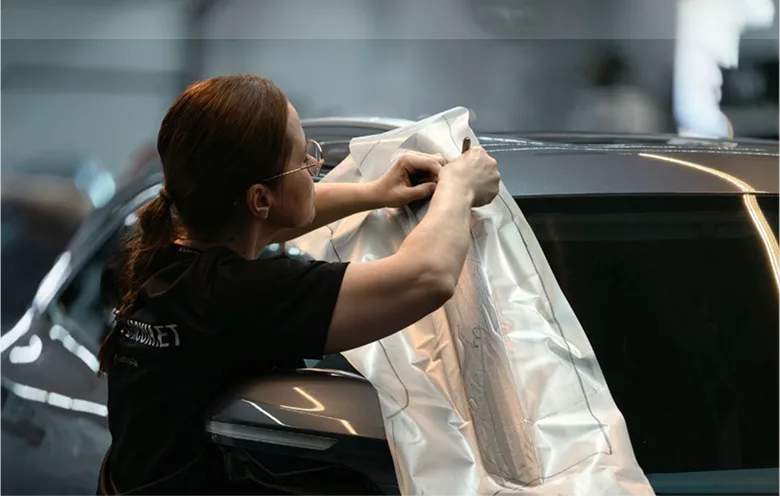
Complete the registration form on our website with accurate company information. Adding your website or social media pages (Instagram, Facebook, etc.) helps us review and approve your application more quickly.
After your registration is approved, we’ll send your login, password and download instructions by email. Approval usually takes less than 12 hours during business hours.
Please check your Spam or Junk folder first. If you still can’t find our email, contact our support team and we’ll help you as quickly as possible. You can find our support phone number in the AUTOPATTERNS software or on the Contact page of our website.
After submitting the registration form, you’ll be able to download the installer from our website. We’ll also include the download link in your approval email together with your login credentials.
Registration is completely free. Every new account receives $10 (€10) in welcome credit, which is enough to test the software by cutting several exterior parts or a complete interior kit.
We’ll review your application, create your account and send you everything you need to get started. Once you log in, you can use your welcome credit immediately or choose the pricing plan that best fits your workflow.





AUTOPATTERNS includes car body, interior, motorcycle, truck and window tint patterns. All categories are available in the software — there are no additional fees to unlock specific sections.
Yes. Where the vehicle design allows, our patterns include wrap edges. We always recommend reviewing each pattern before cutting and adjusting it if necessary using the built-in editor.
Yes. You can modify patterns to match your installation style using the built-in editor. For a complete overview of the available editing tools, watch our video tutorial.
Yes. AutoNesting is included at no extra cost. You can also use the layouts prepared by our design team. See the tutorial video to learn how AutoNest works.
Yes. You can create and save your own pattern sets for frequently installed vehicles, making future cuts faster and more convenient. A detailed walkthrough is available in our tutorial videos.
